Short answerSee roles open inside your company and apply in a few taps. The role tells you who is told before you send. Track or withdraw any time.
Steps
- Sign in at your company's Teams page and open Internal roles. Use the tabs to filter by kind, or turn on Only roles I can apply for.
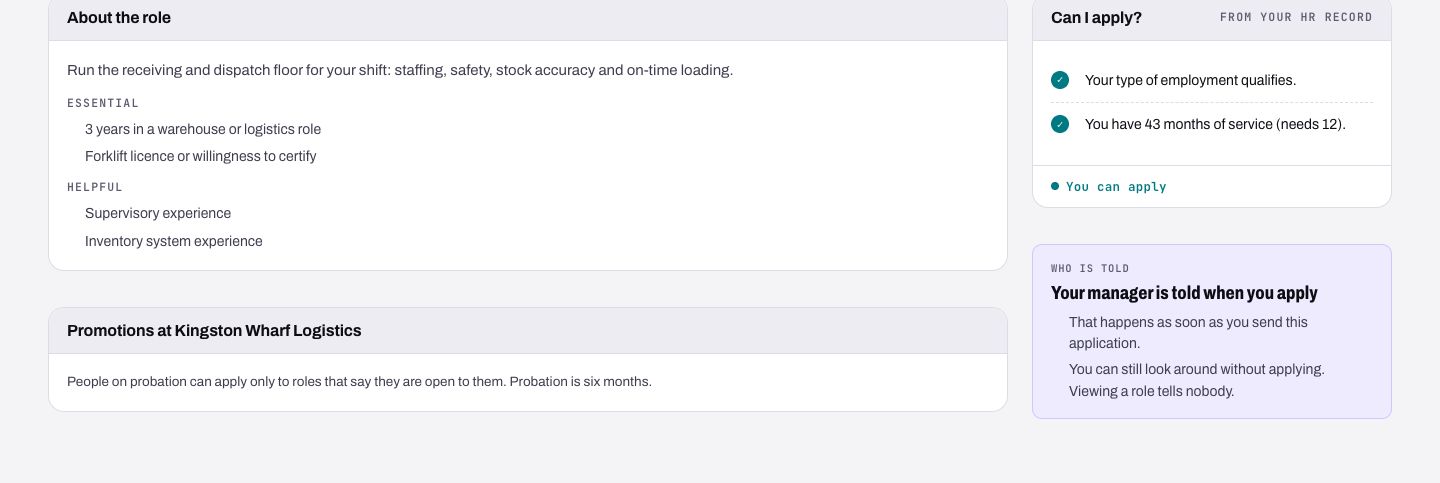
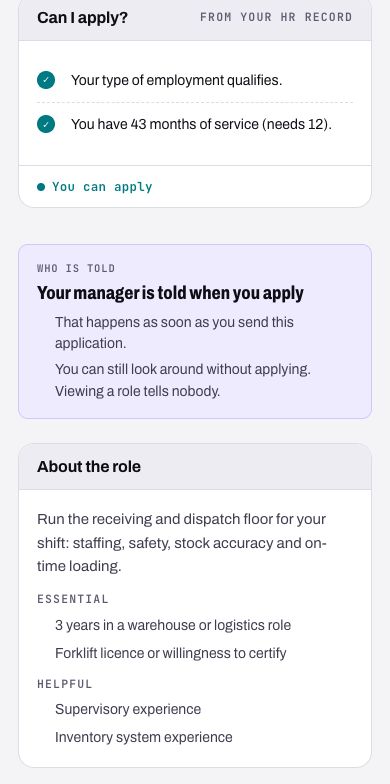
- Open a role. Can I apply? checks your HR record, and Who is told says who hears about your application.
- Press Apply internally, answer any questions, and press Review.
- Tick I understand who is told and when. and press Send application. Follow it under My applications; press Withdraw application to take it back.
Good to know
- Looking at a role tells nobody.
- Something wrong on your HR record? Press Ask HR. HR fixes it.
- Your applications are seen only by you and HR.
Did this help?
Tell us, so we can fix what doesn’t.