Short answerStart from a template or a blank hiring need. Add the role, pay, what you need and what's nice to have. Changes save as you type.
Steps
- In Hire, open Hiring → Hiring needs and press New hiring need. To reuse one, press From a template.
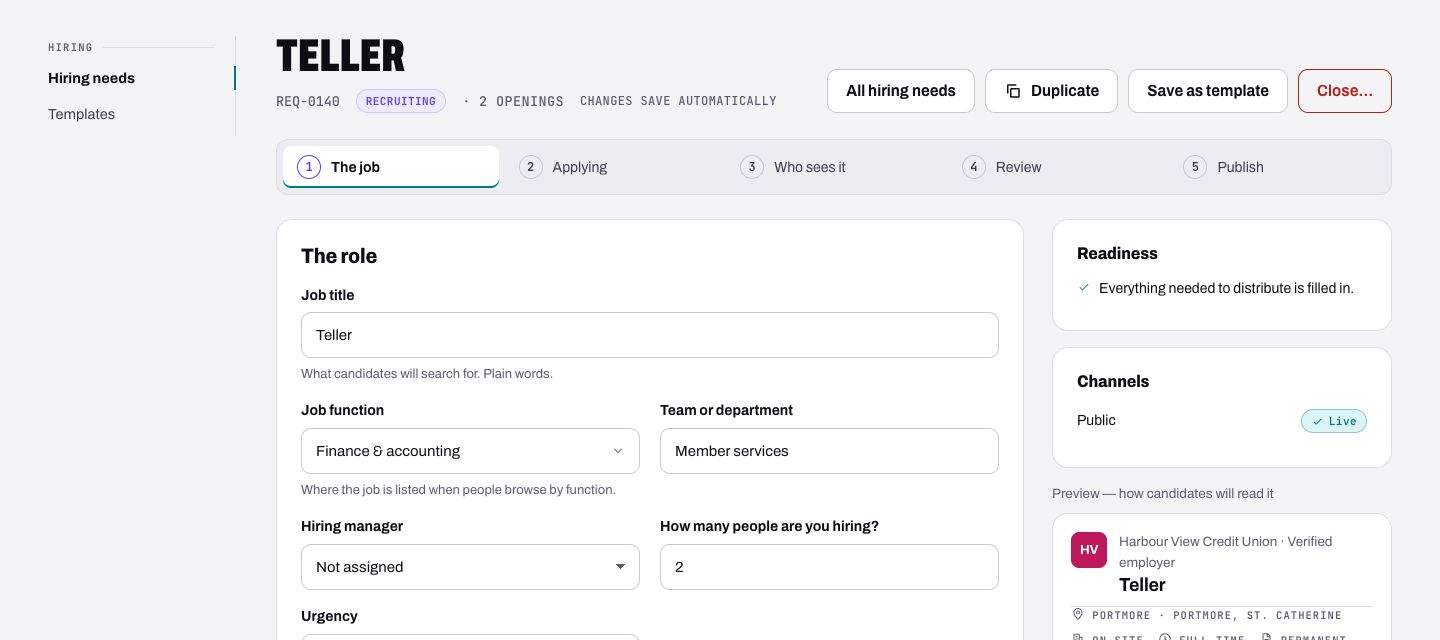
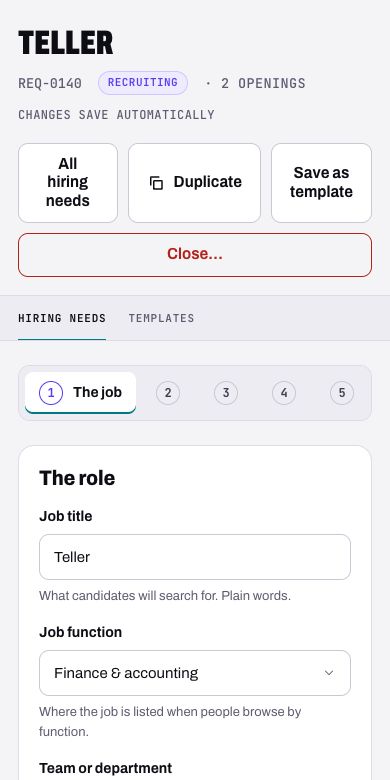
- The job: add the Job title, a plain description under What will they do?, and who the Hiring manager is.
- Under Requirements, list Essential requirements (candidates see these as “must have”), Nice to have, any CSEC / CAPE subjects, qualifications, skills and experience.
- Under Where and how they'll work, choose a branch or location and the parish, then add pay.
- Press Continue to Applying: add application questions, pick the hiring steps, and review what candidates are told. Then go on to Choose who sees it and publish.
Good to know
- The Readiness panel on the right lists what's still missing before you can publish.
- Notes marked internal, like the reason for the opening, are never copied to the public job.
- Press Save as template to reuse a hiring need, or Duplicate to copy it.
- Missing pay? Say it isn't disclosed. We never fill it in for candidates.
Did this help?
Tell us, so we can fix what doesn’t.