Short answerOne tap in the email keeps your job up for another 7 days. No answer and it shows CHECKING, then comes off the board at day 10.
Steps
- Open the "still open?" email we sent and tap the confirm link.
- You see … is open again, and job seekers see OPEN from now.
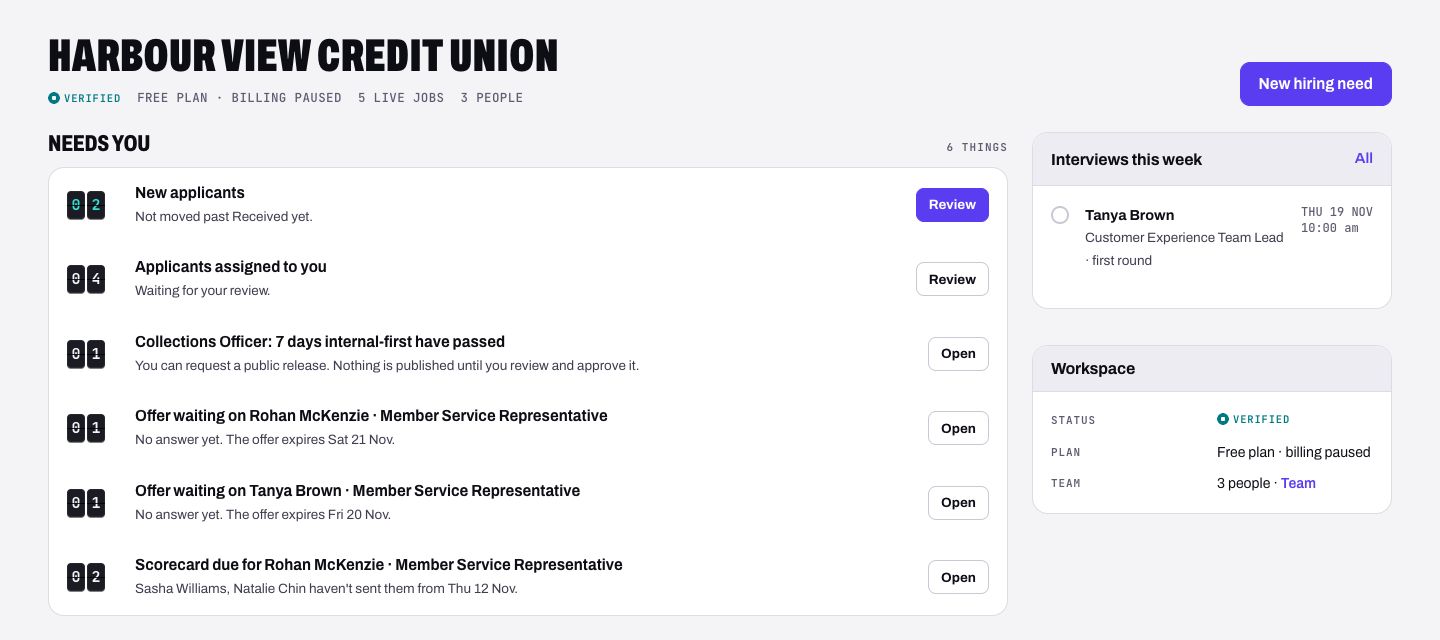
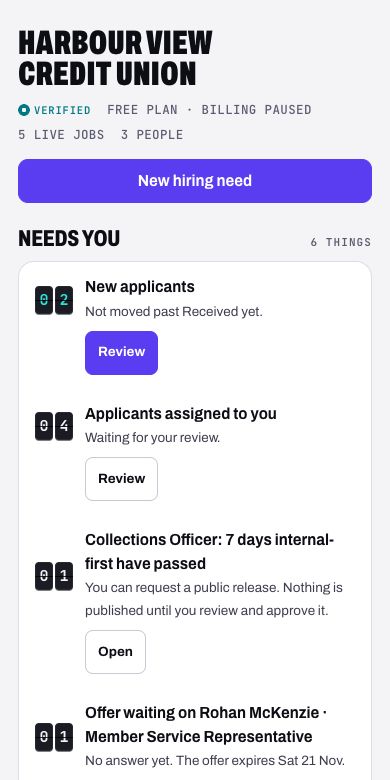
- No email to hand? Open your Hire home and press Still open on the job's card.
- Job filled or closing? Sign in and use Close hiring need instead.
Good to know
- Each link works once, for a limited time. If it's used or old, answer from your Hire home.
- Publishing an edit also counts as confirming. New applications and interviews don't.
- We ask because job seekers spend real money travelling to jobs that turn out to be gone.
Did this help?
Tell us, so we can fix what doesn’t.