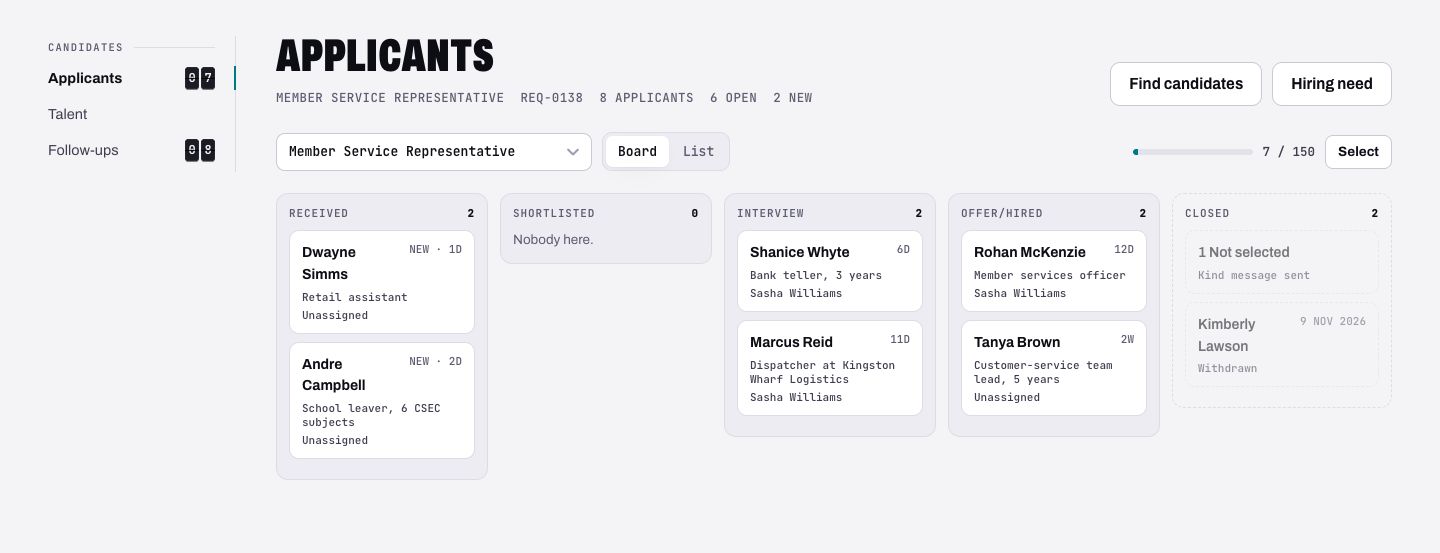
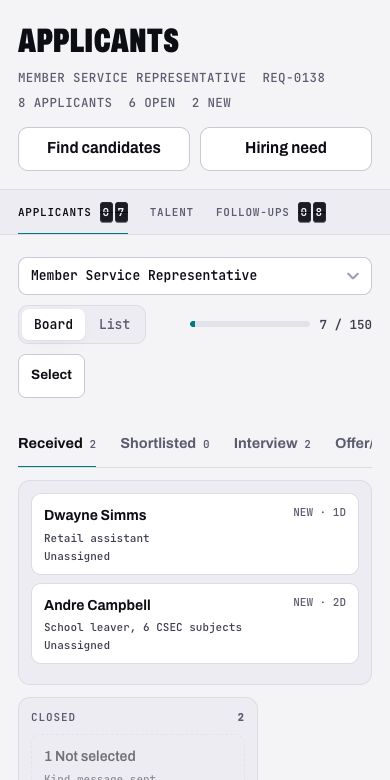
Short answerEveryone who applied is on one page. Drag people between steps on the board, or work through the list.
Steps
- In Hire, open Applicants. The Board shows steps: Received, Shortlisted, Interview, Offer/Hired and Closed.
- Pick a Hiring need to look at one job. Press List for a table with filters.
- Open a person to see their profile, the must-haves you set, their answers and messages.
- Use Move to or drag to change their step, Schedule interview to book them, or Not a fit to close them kindly.
Good to know
- Must-haves you set are shown up front, so you can see who meets them.
- Hiring managers see the applicants for needs they're on. Analysts see numbers, never individual applicants.
- Looking for more people? Press Find candidates.
Did this help?
Tell us, so we can fix what doesn’t.