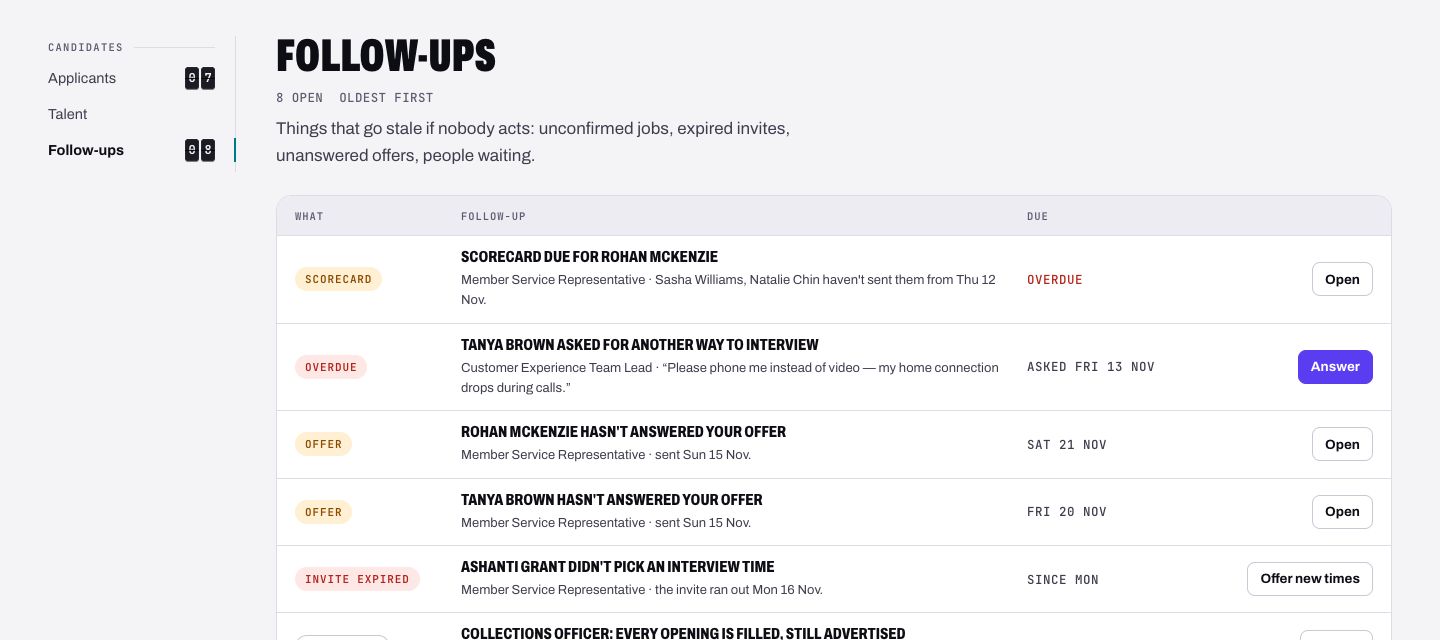
Short answerFollow-ups lists what goes stale if nobody acts. Analytics shows how people move from viewing a job to being hired, in totals only.
Steps
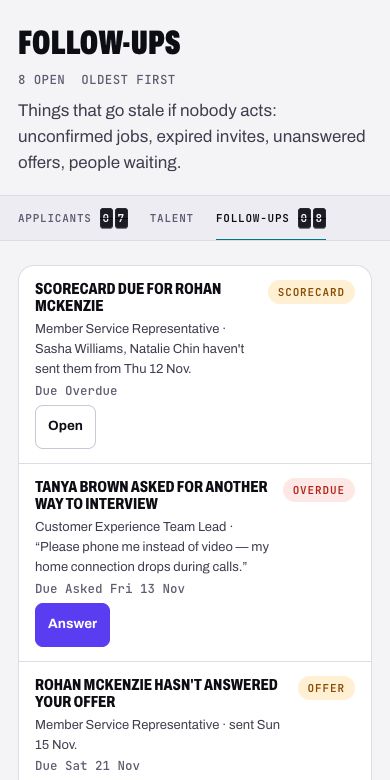
- In Hire, open Follow-ups. It lists unconfirmed jobs, expired invitations, unanswered offers, scorecards due and jobs to close.
- Press the button on a row (Open, Review, Answer or Offer new times) to deal with it.
- Open Analytics and pick Last 30 days, Last 60 days or Last 90 days, and a hiring need or All jobs.
- Read the funnel from Viewed to Hired. Press Export CSV to download it.
Good to know
- Analytics never shows who viewed a job. Small groups show as — so nobody can be singled out, and the CSV hides the same cells.
- Numbers appear a day late.
- Analysts see analytics and exports, never individual applicants.
Did this help?
Tell us, so we can fix what doesn’t.