Short answerAdd your basics, your CXC and CAPE grades, skills and experience. Employers see it when you apply, and job pages check it against what they ask for.
Steps
- Open Profile & grades.
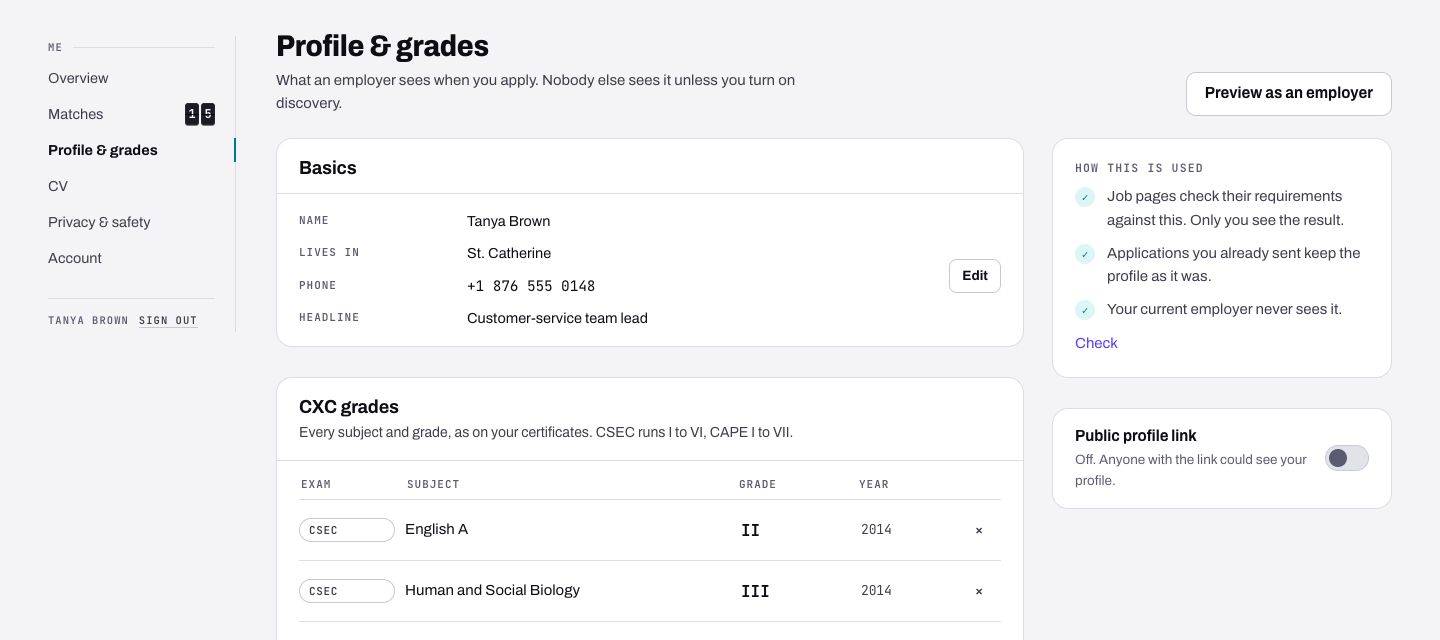
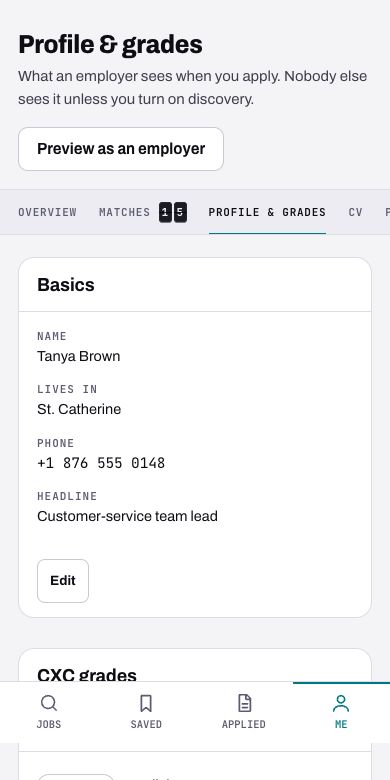
- Basics: name, where you live, phone and headline. Press Edit.
- CXC grades: add every subject and grade as on your certificates. Press + Add a subject.
- Add Skills, Availability, the Parishes you can work in and your Experience.
- Optional: Trade & certifications, Job preferences, Links & accessibility and Résumé & documents under More about you.
Good to know
- Press Preview as an employer to see what an employer sees.
- Applications you already sent keep the profile as it was.
- Your public profile link is off until you turn it on. Anyone with the link could see your profile.
- Hidden companies never see your profile. See Hide from your current employer.
Did this help?
Tell us, so we can fix what doesn’t.