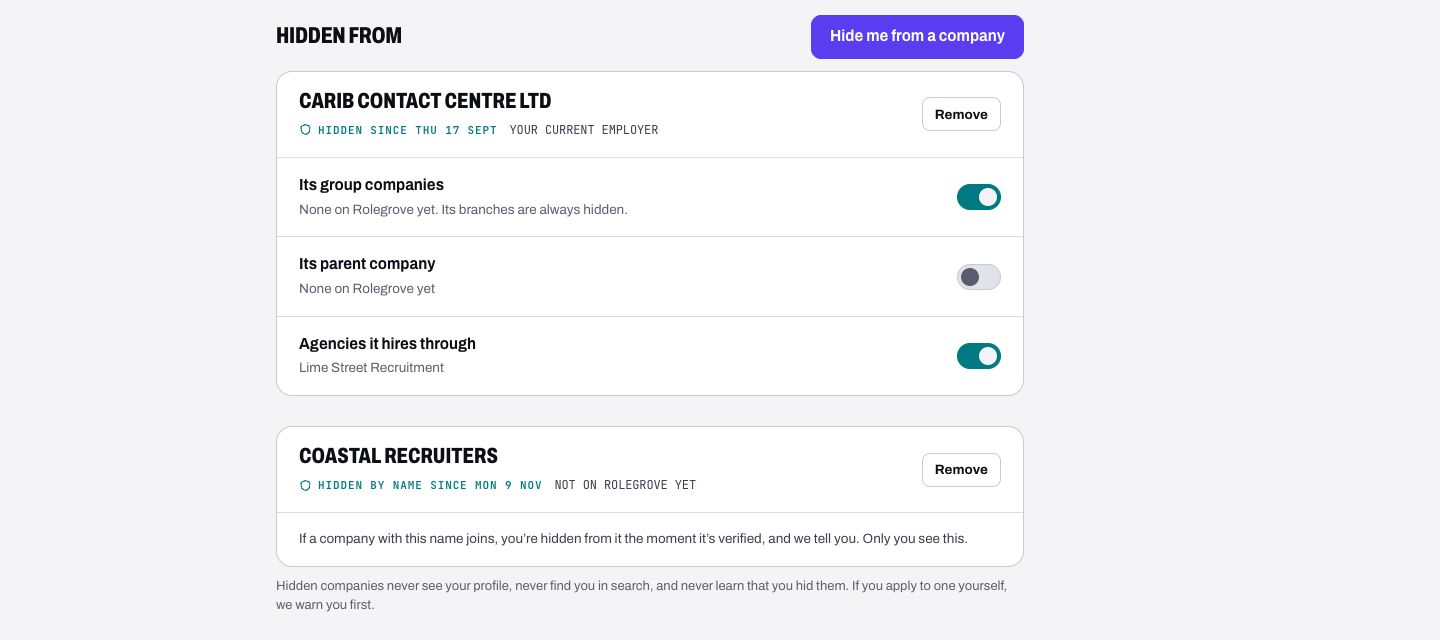
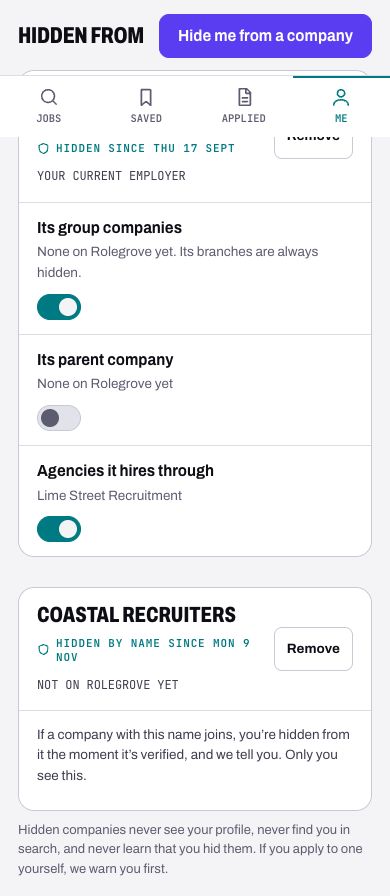
Short answerIn Privacy & safety, press Hide me from a company and pick your employer. It can't see your profile or find you in search, and that covers its branches, parent company and the agencies it hires through.
Steps
- Open Privacy & safety.
- Under Hidden from, press Hide me from a company and pick the company.
- Check the list: your current employer, its group companies, its parent company and the agencies it hires through.
- Company not on Rolegrove yet? You can still add it. If it joins later, you're hidden from it the moment it's verified, and we tell you.
Who gets told
- Hidden company
- Never sees your profile, never finds you in search and never learns that you hid them.
- You
- Are warned before you apply to a company you hid.
Good to know
- Only you see this list.
- Press Remove to un-hide a company. Within a few weeks you can restore it from Pause & protections.
- Let recruiters find me is separate. Turn it off to stop all employers finding you.
Did this help?
Tell us, so we can fix what doesn’t.