Short answerPress Report this listing on any job, say what's wrong, and send it. Our team reviews every report, and the employer is never told who reported.
Steps
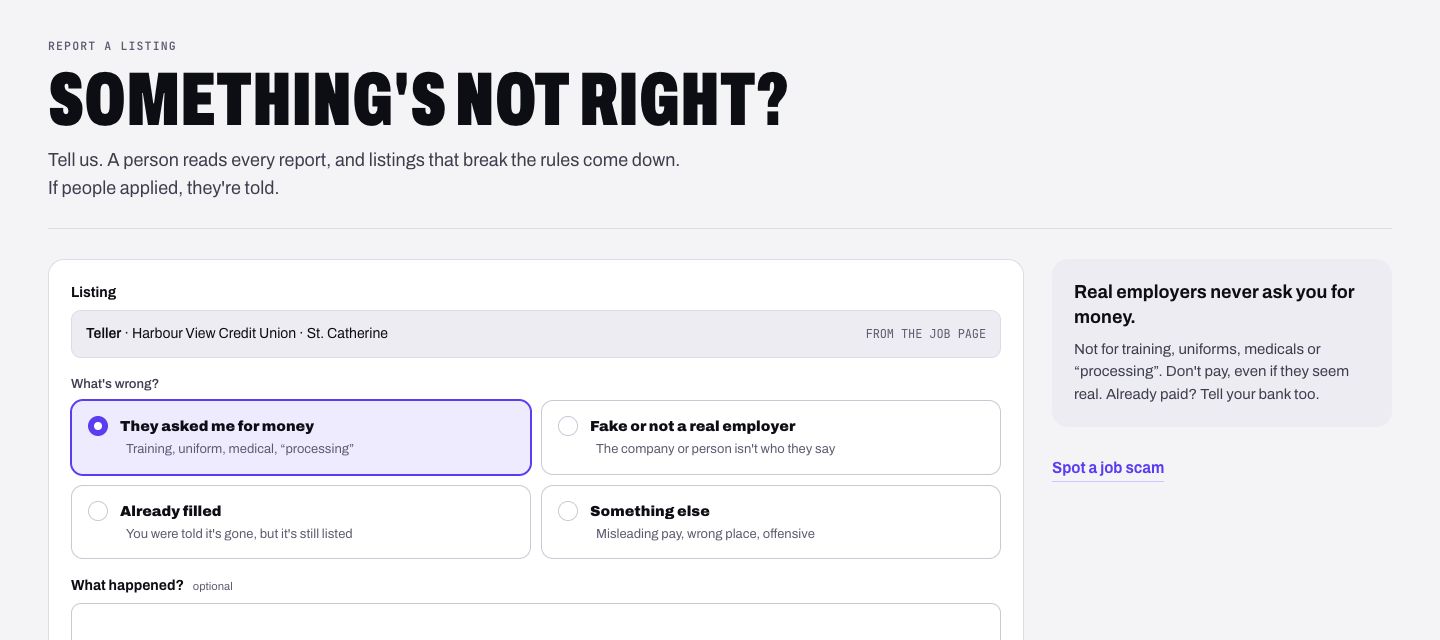
- Open the job and press Report this listing, near the warning about money.
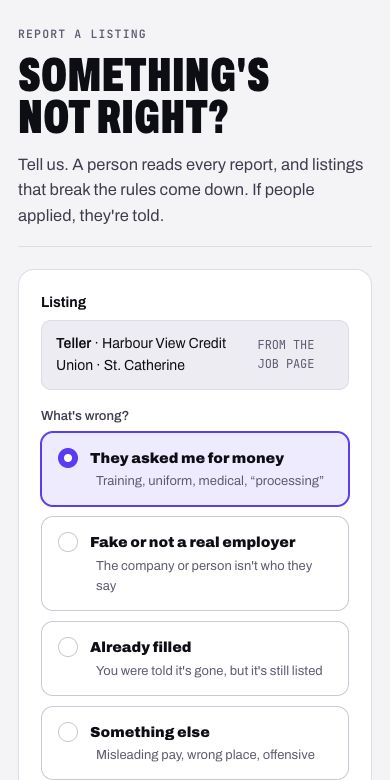
- Under What's wrong?, choose one: asks for money, looks fake, closed or filled, broken apply link, duplicate, misleading pay, discriminatory or unsafe, or something else.
- Add detail in Anything we should know? and, if you like, how we can reach you.
- Press Send report. You get a reference. Quote it if you contact us.
Good to know
- Contact details are optional and used only to ask you a question.
- You don't need an account to report.
Did this help?
Tell us, so we can fix what doesn’t.