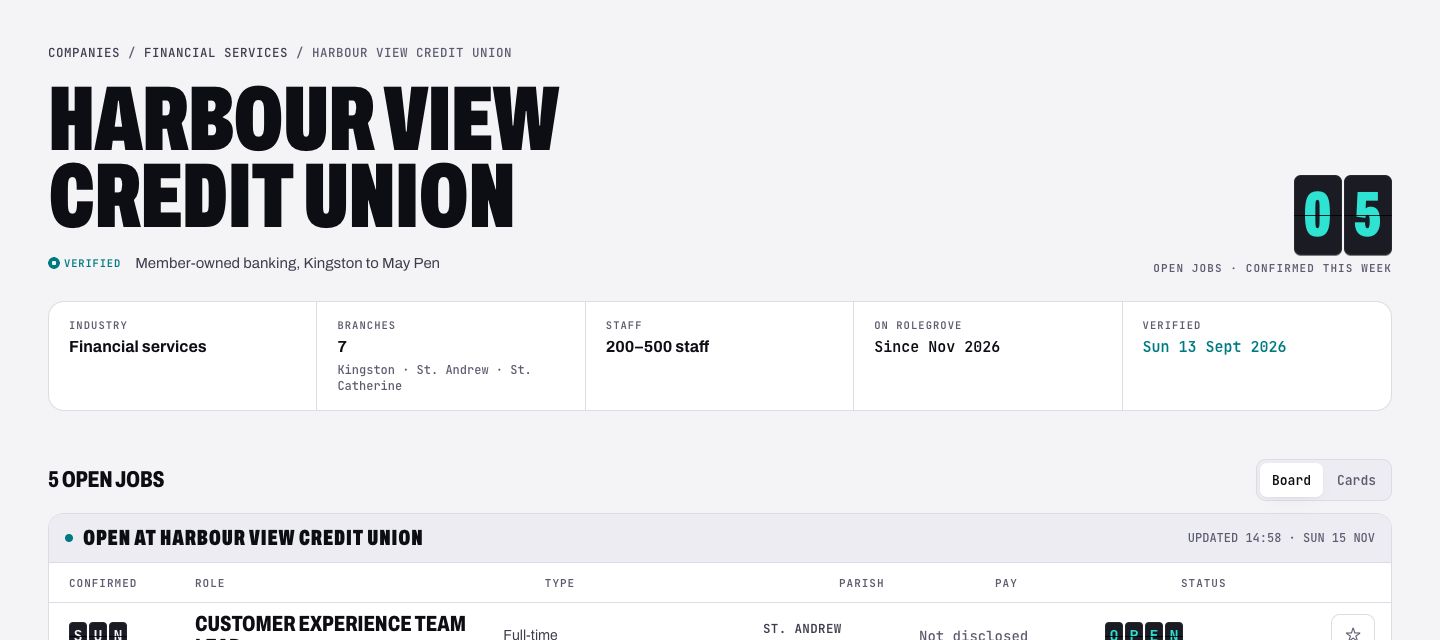
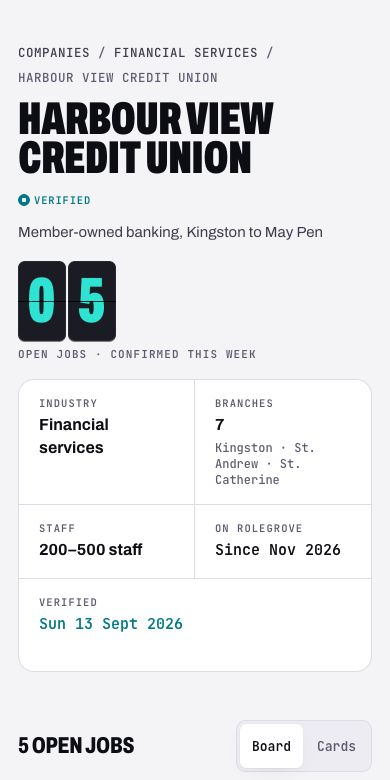
Short answerEvery company has a page with its open jobs. The VERIFIED badge means we checked the company is real.
Steps
- Open a job and press the company name, or open Companies.
- Read About, Working here, Benefits and Locations.
- Under Open jobs, see everything they have on the board, with each job's flap and pay.
- Want to hear when they post? Press Alert me for the company name.
Good to know
- VERIFIED means we checked the company. It doesn't mean we checked each job, so still read the listing.
- The page shows when the company was verified.
- Employers who ask you for money aren't real. See Spot a job scam.
Did this help?
Tell us, so we can fix what doesn’t.