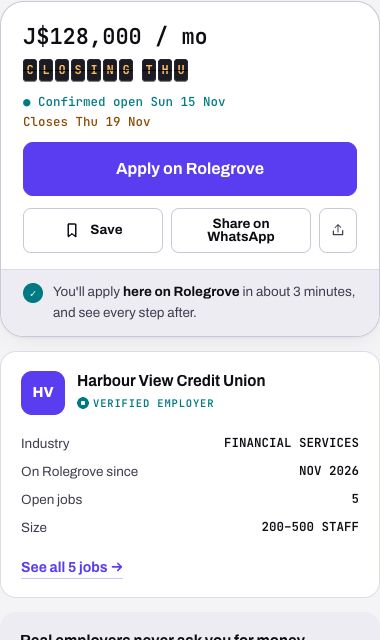
Short answerPress Share on WhatsApp on the job page. The link shows a preview of the job, with the title, employer and place.
Steps
- Open the job you want to share.
- Press Share on WhatsApp. WhatsApp opens in a new tab with the job link ready to send.
- Pick the person or group and send. They open the same job page, no account needed.
Good to know
- The preview never shows private details about you.
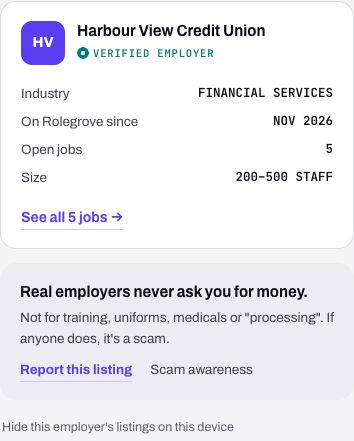
- Found a listing that doesn't look right? Report it instead of sharing it.
Did this help?
Tell us, so we can fix what doesn’t.