Short answerPress Save on any job. Signed out, it stays on this device; sign in or create a profile and we bring your saved jobs across.
Steps
- Open a job and press Save. Press it again to remove it.
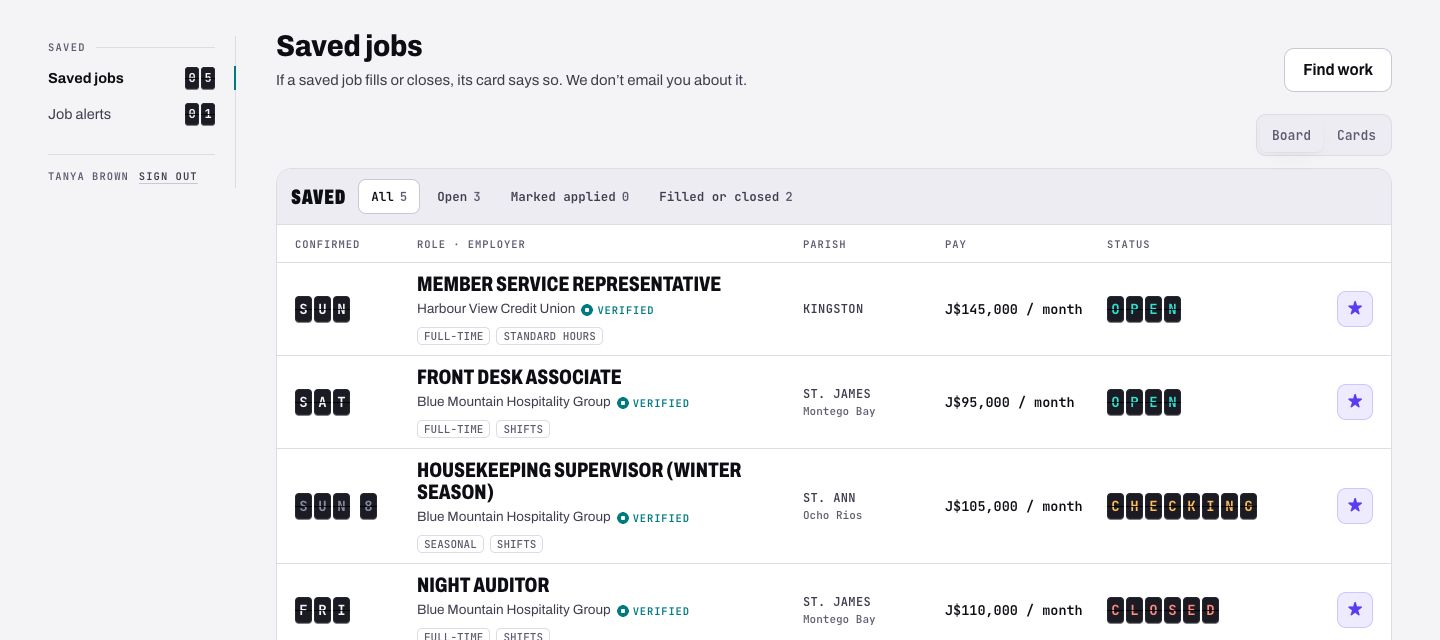
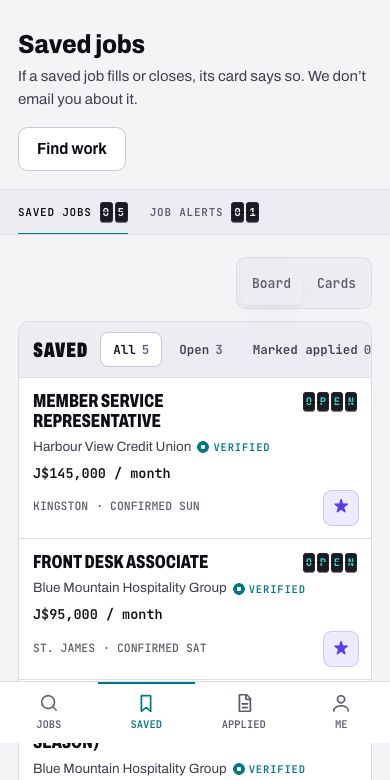
- Open Saved to see your list. Signed in, filter it by All, Open, Marked applied or Filled or closed.
- Signed out, the page says Saved on this device. Press Sign in or Create a profile to keep them everywhere.
- On a job that takes applications on the employer's site, press Yes, I applied when you've applied, so you remember.
Good to know
- If a saved job fills or closes, its card says so. We don't email you about it.
- Notes you mark on employer-site jobs are for you only. The employer can't see them.
Did this help?
Tell us, so we can fix what doesn’t.