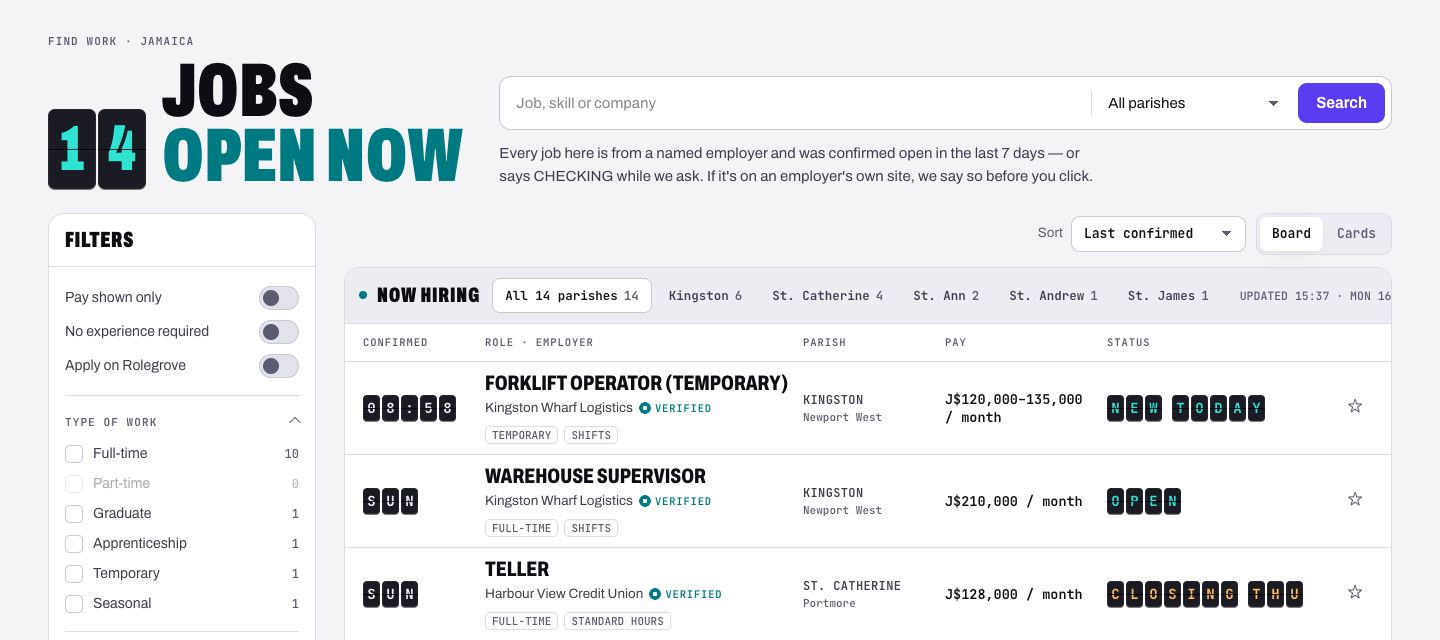
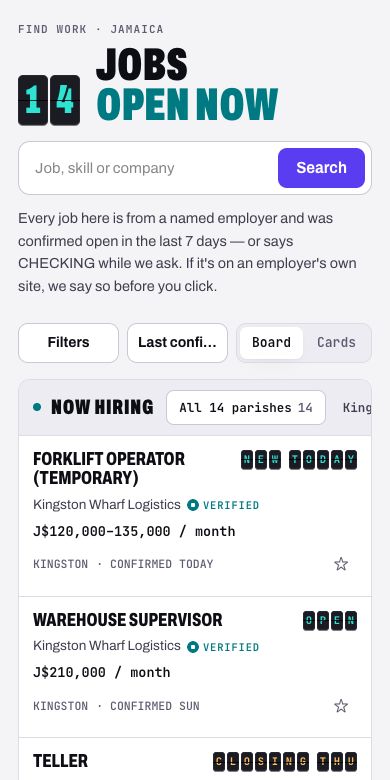
Short answerSearch by job, skill or company, pick a parish, then narrow with Pay shown only, No experience required and type of work. Sort by last confirmed, newest, closing soon or pay.
Steps
- Open Jobs.
- Type a job, skill or company in Job, skill or company, pick a Parish, and press Search. The parish tabs on the board also narrow it.
- Narrow with Pay shown only, No experience required, Apply on Rolegrove, Type of work, Industry and Schedule.
- Use Sort to order by Last confirmed, Newest, Closing soon or Pay, high to low.
- Switch between Board and Cards to read the list the way you prefer.
Good to know
- The address bar keeps your search, so you can share or bookmark it.
- Every job is from a named employer and was confirmed open in the last 7 days, or says CHECKING while we ask. See What the job flaps mean.
- Want an email when something new matches? See Job alerts.
Did this help?
Tell us, so we can fix what doesn’t.