Short answerPress Apply on Rolegrove, check what you're sending, and send it. Your pass shows where the application is at every step.
Steps
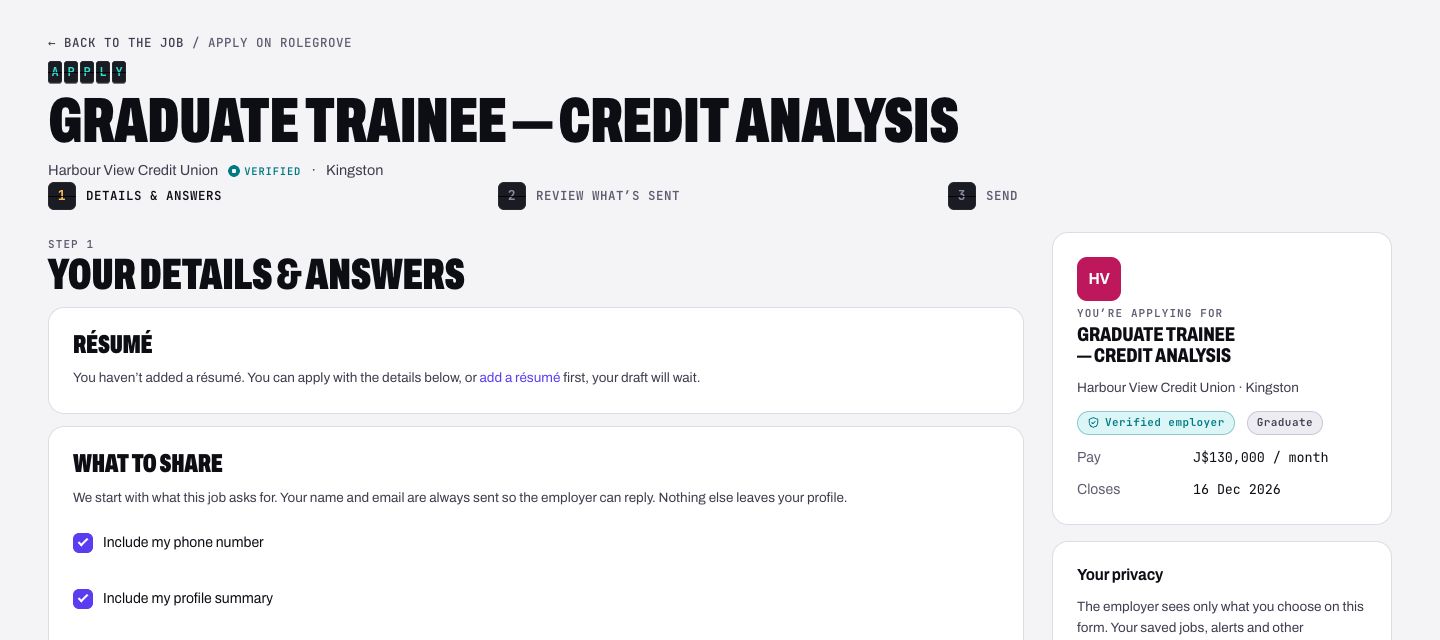
- Open the job and press Apply on Rolegrove. Signed out, you're asked to sign in or create a profile first.
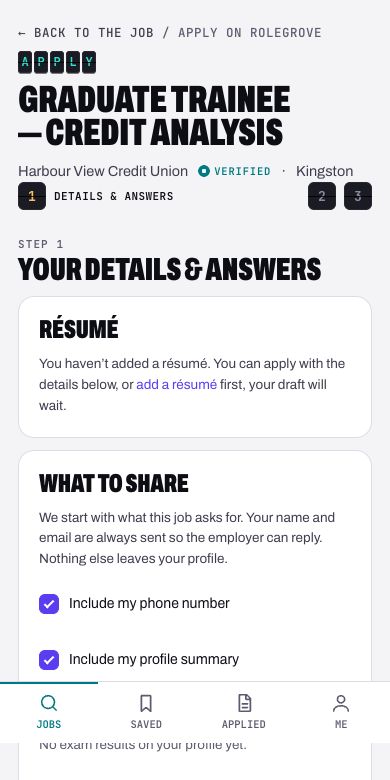
- Your details & answers: add a résumé if you have one, and tick what to share. Your name and email are always sent so the employer can reply. A cover note is optional. Press Continue.
- Review what's sent: check it, then press Send my application.
- You get a reference number and your pass. Find it any time under Applications.
Who gets told
- Employer
- Gets only what you chose to share on the form, plus your name and email. Your saved jobs, alerts and other applications stay private.
- You
- See each step on your pass as the employer moves you: Received, Shortlisted, Interview, Decision. You get an email on each change.
Good to know
- Your draft saves as you type, so closing the page won't lose it.
- Changing your profile later doesn't change what the employer already received.
- If you've hidden this company, we warn you before you send.
Did this help?
Tell us, so we can fix what doesn’t.