Short answerAn employer found your profile and asked you to apply. Only people they invite can open an invitation-only job. You decide; they only hear Not interested.
Steps
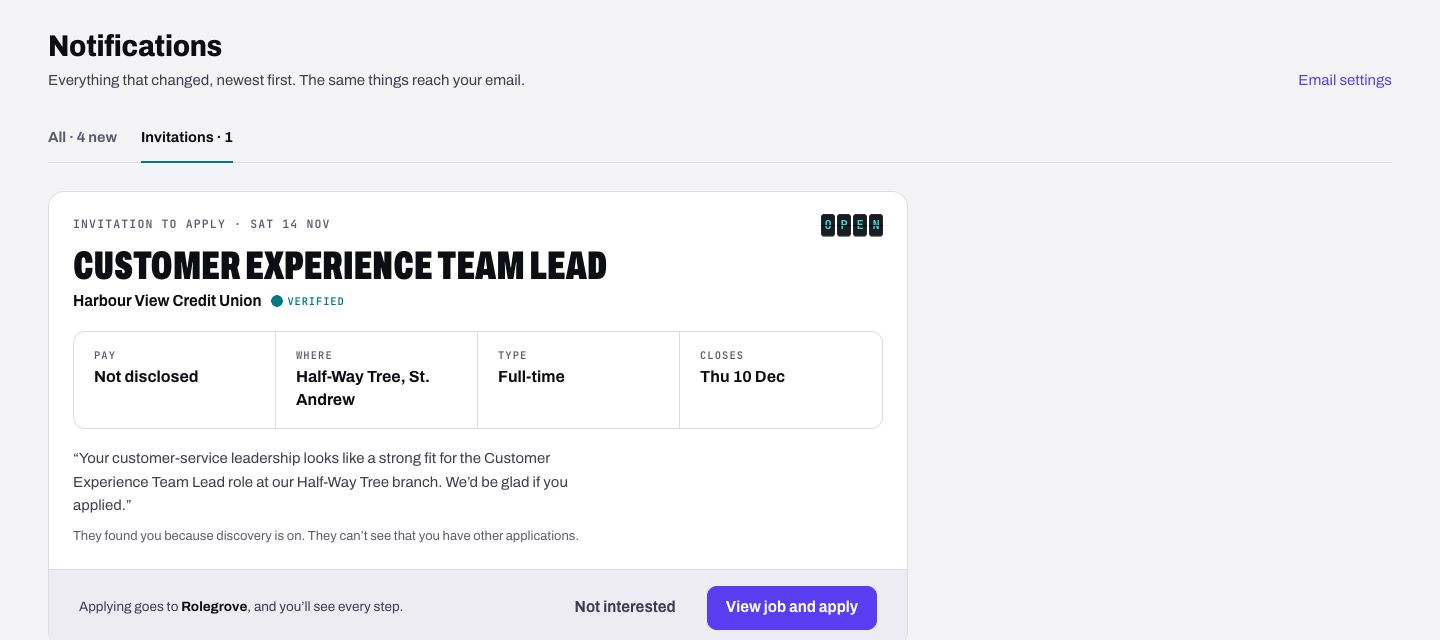
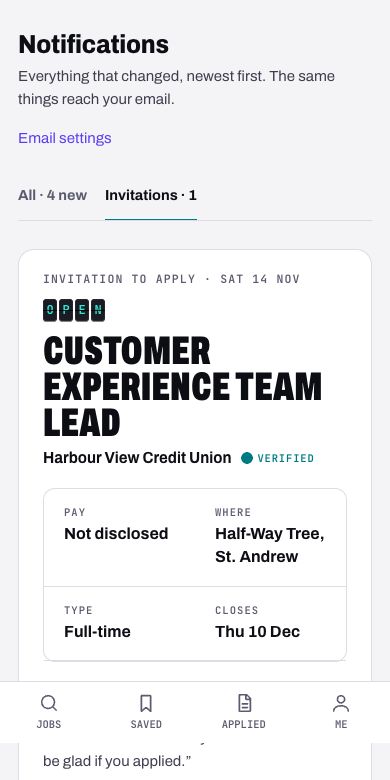
- Open the invitation from your email, or sign in and open Notifications, then Invitations.
- Read the job and the employer's message.
- Want it? Press View job and apply and finish the application like any other.
- Not for you? Press Not interested. The employer only sees “Not interested”, nothing more.
Good to know
- You can turn invitations off under Privacy & safety, or turn off being found at all.
- Hidden companies never find you, so they can never invite you.
- Something wrong with an invitation? Use Report this invitation.
Did this help?
Tell us, so we can fix what doesn’t.