Short answerGet a copy of what we hold, or delete your account. You see what goes and what stays before anything happens.
Steps
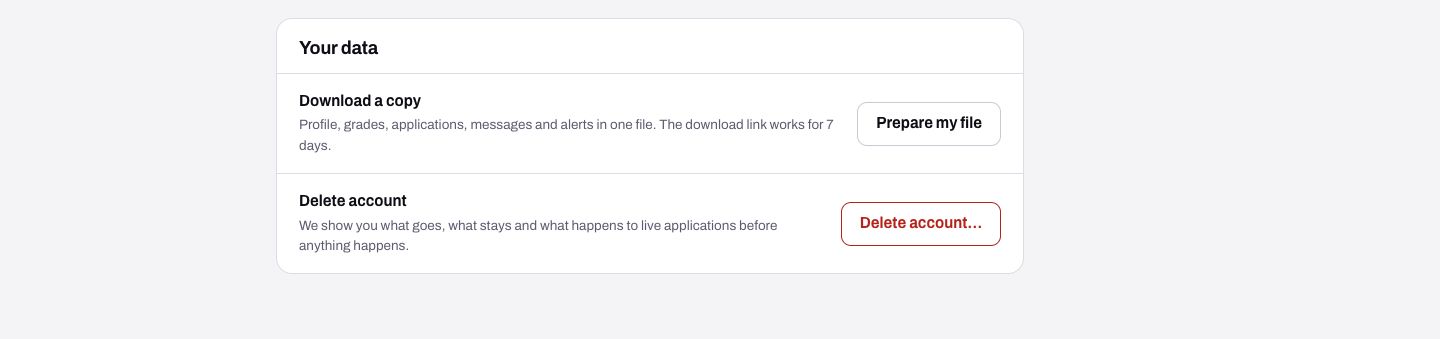
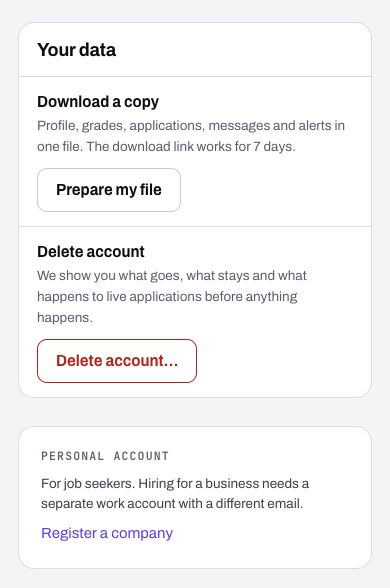
- Open Account. Under Your data, press Prepare my file to get a copy of your profile, grades, applications, messages and alerts.
- Something we hold is wrong and you can't fix it? Open Privacy & safety, press My data, then Ask for a correction.
- To delete, press Delete account…. The dialog lists what's Deleted, what's Withdrawn and what Stays.
- Enter your password under Confirm with your password and press Request deletion.
What happens to your data
- Deleted
- Your profile, grades, CVs, saved jobs, alerts, messages and privacy settings.
- Withdrawn
- Every live application. Each employer sees “Withdrawn”.
- Stays
- Copies employers already received stay with them under their own retention rules. We can't recall them.
Good to know
- You can cancel until we process it, which happens within 2 working days. After that it can't be undone.
- Signed up with a code and have no password? Sign in with a code first, then delete.
- Your download link works for a limited time. Prepare a new file if it has lapsed.
Did this help?
Tell us, so we can fix what doesn’t.