Short answerOpen the application and press Withdraw application. The employer is told. You can't undo it, but you can apply again while the job is open.
Steps
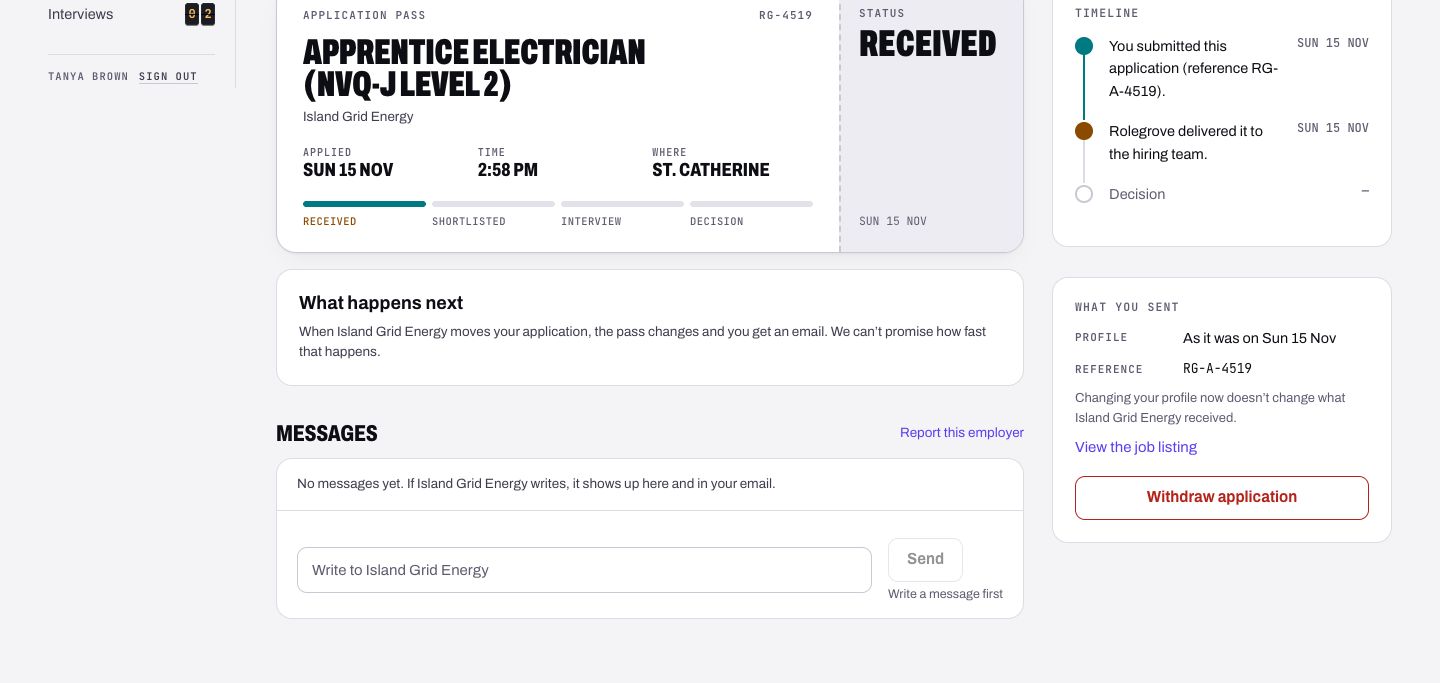
- Open Applications and open the application.
- Press Withdraw application at the bottom.
- In Withdraw this application? press Withdraw. Changed your mind? Press Keep it.
Who gets told
- Employer
- Sees that you withdrew. What you already sent stays with them.
- You
- See the application end as Withdrawn.
Good to know
- Declining an offer is separate: open the offer and decline it instead. The employer sees “Offer declined”.
- Deleting your whole account withdraws every live application. See Download your data or delete your account.
Did this help?
Tell us, so we can fix what doesn’t.