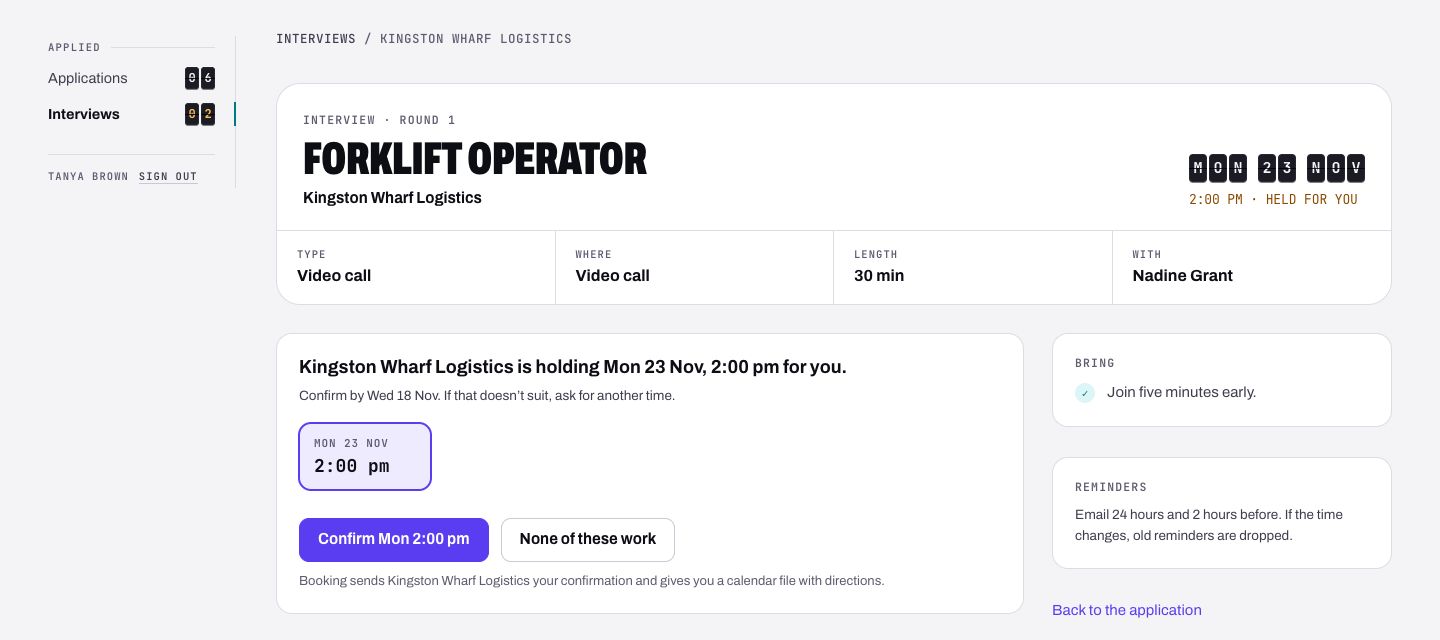
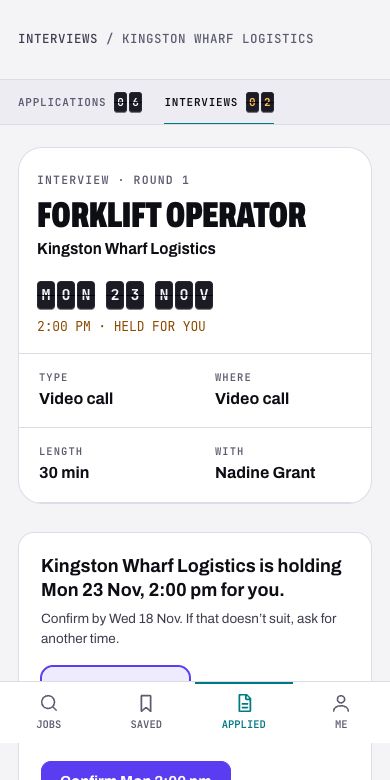
Short answerOpen the invitation and confirm one of the times the employer is holding for you. Email reminders come before the interview.
Steps
- Open Interviews. Invitations waiting for your answer are under Needs your answer.
- Press Confirm or change, then press Confirm on the time that suits you. You get a calendar file with directions.
- None of the times work? Press None of these work to message the employer, or Change the time on a booked interview.
- Need to drop out? Press Cancel interview and confirm. The employer is told.
Who gets told
- Employer
- Is told when you confirm, ask for another time or cancel.
- You
- Get email reminders before a booked interview. If the time changes, the old reminders are dropped.
- Expired invitation
- If nobody confirmed in time, the times are released but your application stays open. Contact the employer; they can send new times.
Good to know
- Join five minutes early.
- Need a phone call instead of video, written questions or a step-free venue? Ask under Privacy & safety, in Accessible alternatives. Only that employer sees it.
Did this help?
Tell us, so we can fix what doesn’t.