Short answerUpload your résumé and we read it to suggest what to add to your profile. Nothing goes on your profile until you add it.
Steps
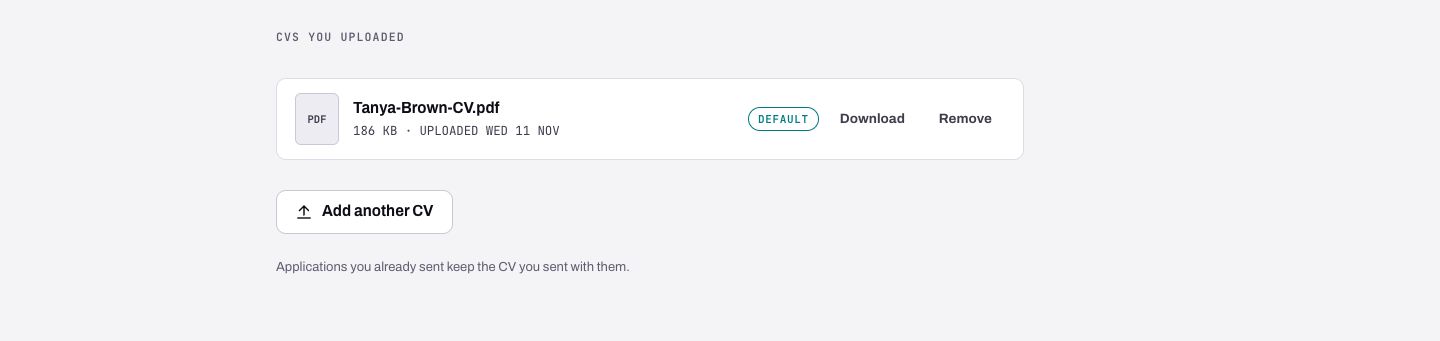
- Open CV and press Add another CV.
- Choose a PDF or Word file. It uploads, then we read it for a few seconds.
- When it says We read your CV. Check what we found., untick anything that's wrong and press Add for the rest.
- Photo or scan? We can't pick the words out, but it stays attached and you can still send it with applications.
Good to know
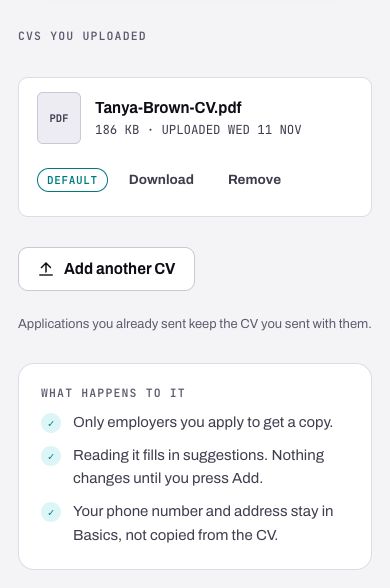
- Your phone number and address stay in Basics. We don't copy them from the CV.
- Only employers you apply to get a copy.
- Applications you already sent keep the CV you sent with them.
- Want a CV made from your profile instead? See Make and download your CV as a PDF.
Did this help?
Tell us, so we can fix what doesn’t.