Short answerPublish a job to Teams and answer internal applications from the Teams Applications page.
Steps
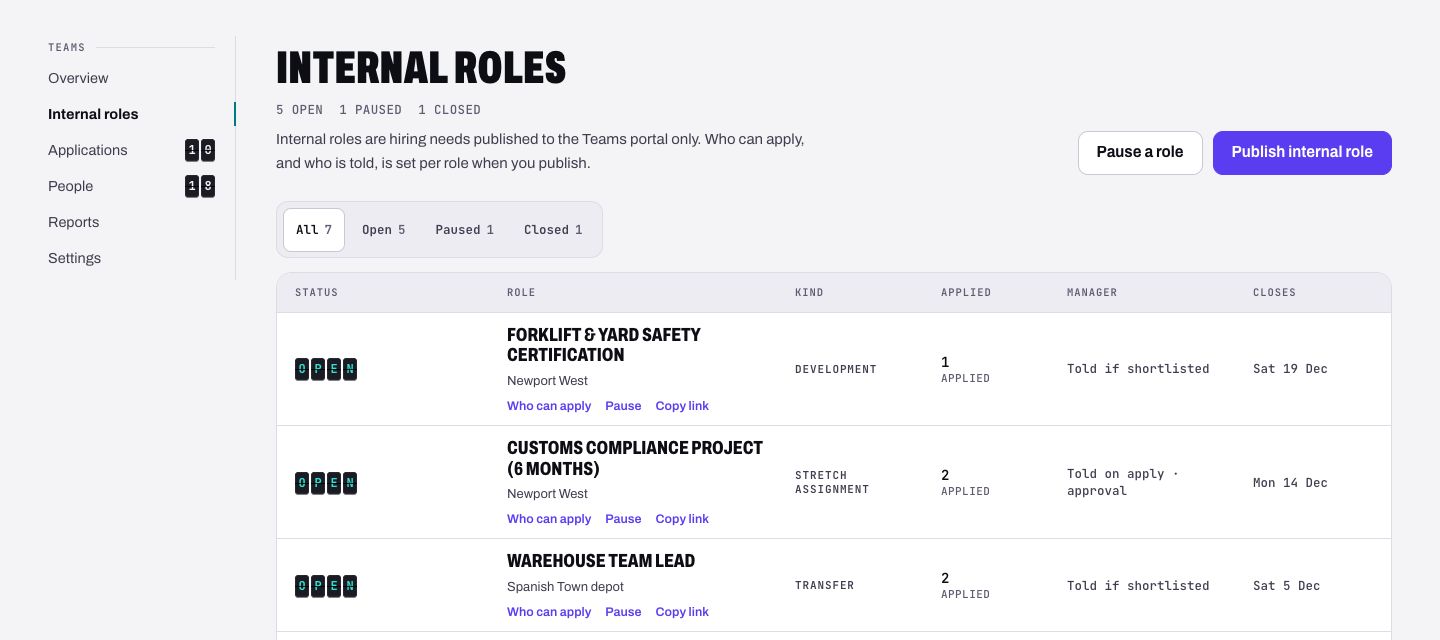
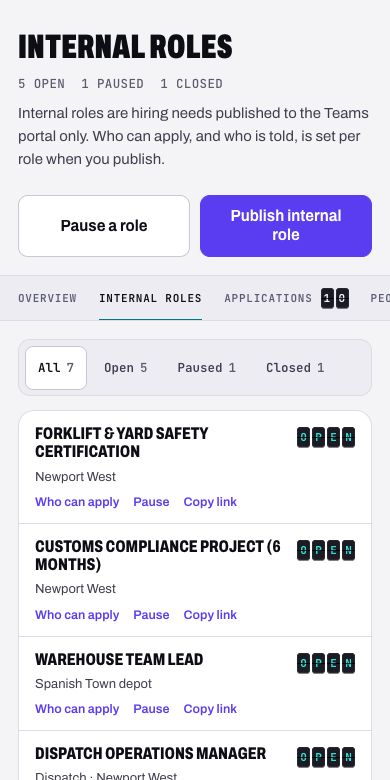
- In Hire, open Teams → Internal roles and press Publish internal role. Pick the hiring need, and on Who sees it tick Teams · your staff.
- Set who can apply and who is told. Each role can be stricter than your default.
- Open Applications to review new ones. Press Decide when a manager missed the answer-by date and it passed to you.
- Use Pause or Resume on a role, and Copy link to share it.
Good to know
- Internal interviews are booked at a time you agree with the employee.
- Staff see the rule for who is told before they apply.
Did this help?
Tell us, so we can fix what doesn’t.