Short answerOnce your company is verified, add your people in Hire, then invite them by email or print each person a claim code.
Steps
- Verify your company first. You can add records and prepare roles now, but invites and claim codes wait until verification is done.
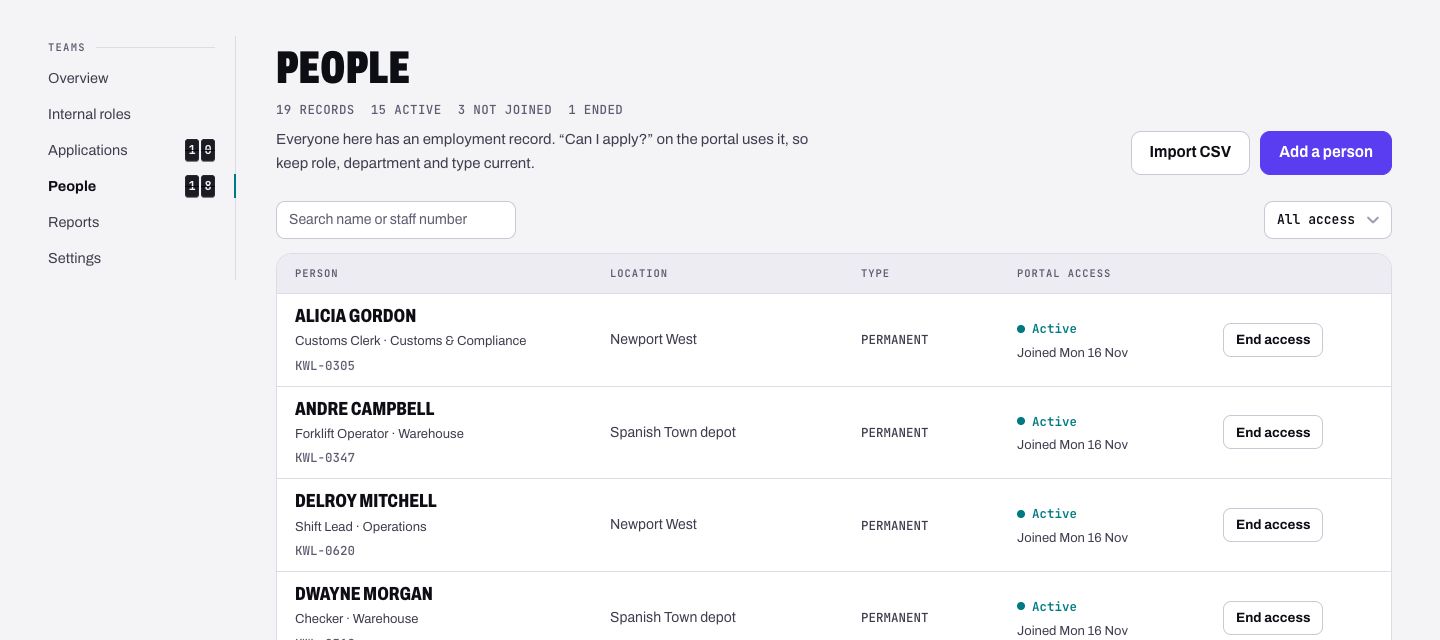
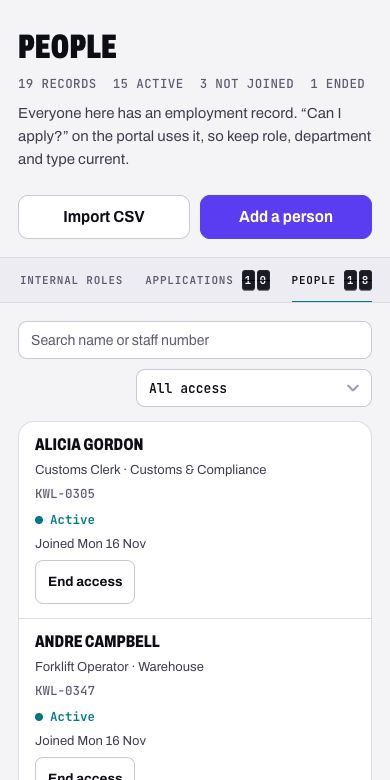
- In Hire, open Teams. Press Add a person or Import CSV. Each person needs an employment record: role, department, location and type.
- On a person's row, press Invite to send an email, or Print code to give them a claim code on paper.
- Staff join with the link or code. See Join your company's Teams.
Good to know
- “Can I apply?” on the portal uses the employment record, so keep role, department and type current.
- A claim code works once, and printing a new one cancels the old one.
- Use Resend if an invite lapsed, and End access when someone leaves.
- Owners, Administrators and Internal mobility coordinators can manage Teams.
Did this help?
Tell us, so we can fix what doesn’t.